Split songs from YouTube into stems.
Paste a link or open a file, pick your instruments, and hit play. Free and open source, and it runs entirely on your machine.
fetching the latest release…
Search
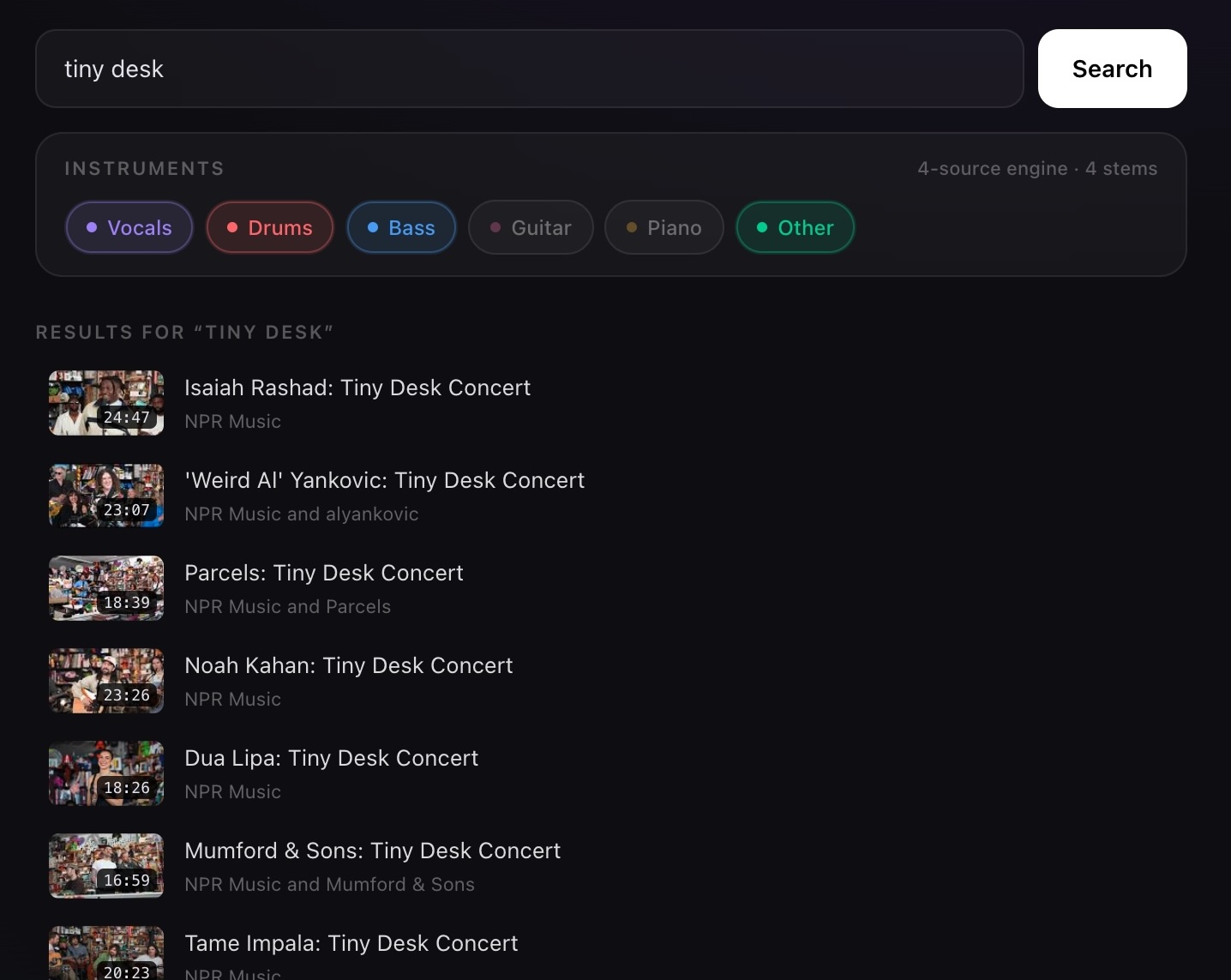
Embedded YouTube search.
Type a song, click the result, and the split starts in the background.
- Results appear while you type
- One click sends it to split
Split
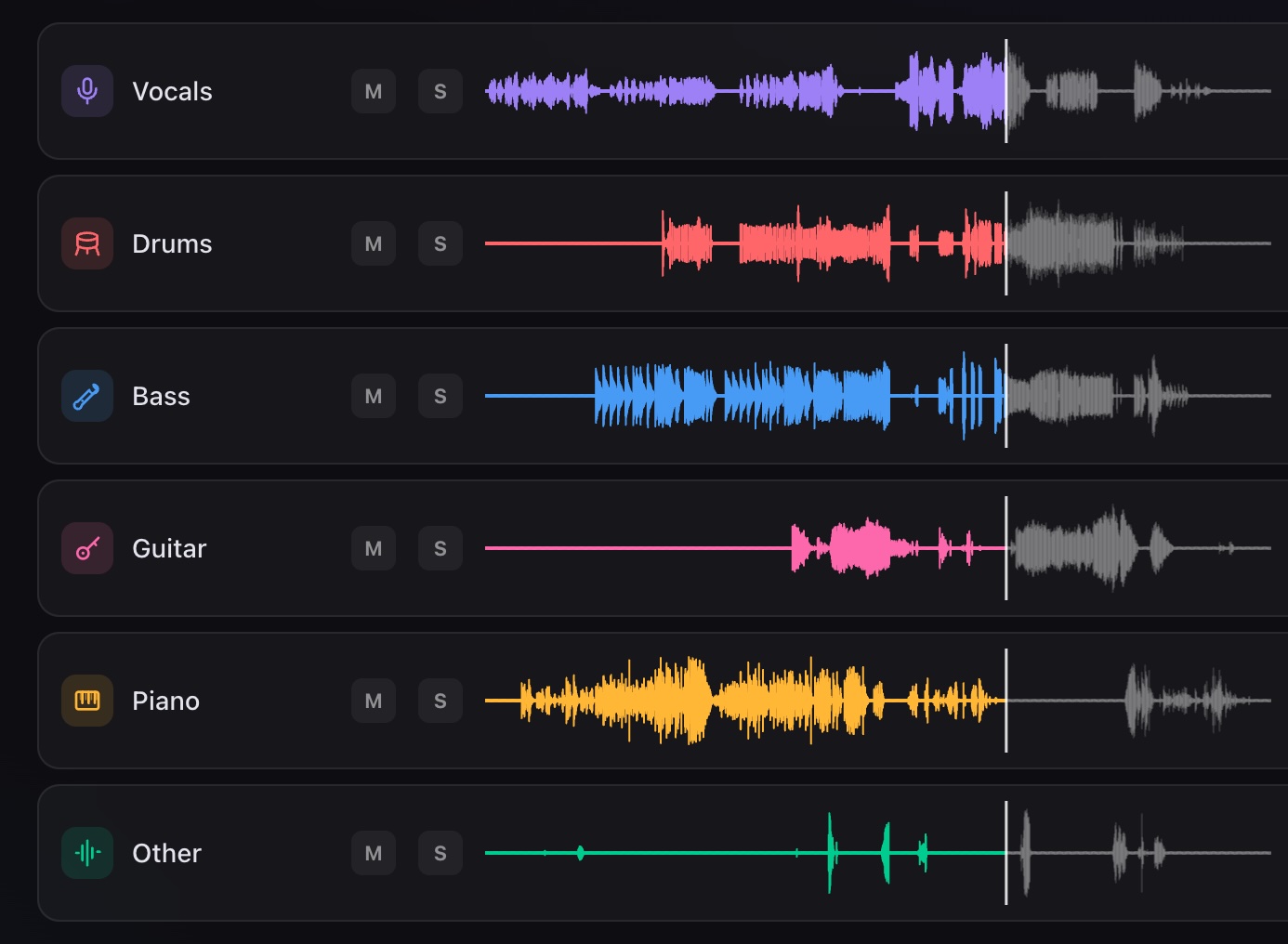
Six stems.
Splits run locally on your GPU with live progress, and presets isolate an instrument while the playhead keeps moving.
- Vocals, drums, bass, other
- Guitar and piano when you want them
Export
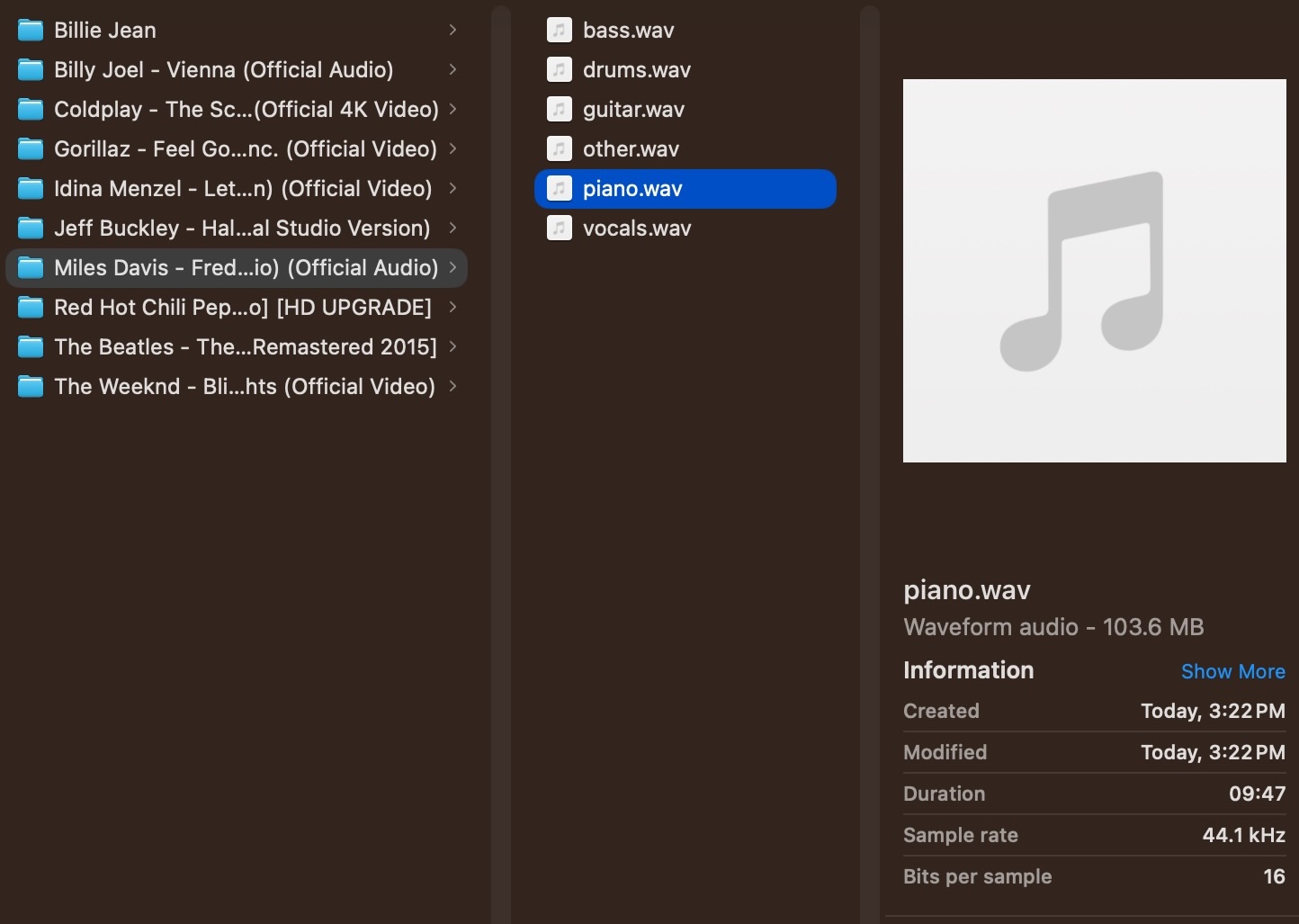
Export straight into your DAW.
Every stem exports as a standard WAV file: vocals, drums, bass, guitar, piano, or the full instrumental. Drop them into Ableton, Logic, FL Studio or GarageBand and get to work.
- Any stem, or all of them at once
- Any DAW that reads WAV files, which is all of them
Learn your instrument
Solo the guitar, bass or piano and pick out every note by ear.
Play with a backing track
Mute your own instrument and the band plays on without you.
Remix and sample
Pull clean acapellas and drum loops for flips and mashups.
Karaoke
Strip the vocals from any song and the mic is yours.
Testimonials
What people are saying.
Real comments from Reddit, unedited.
This works so amazingly well, thanks a lot! <3
r/linuxaudioexcellent stuff.good quality for compressed audio.
r/linuxaudioAwesome, I was waiting for something like this on Linux.
r/linuxaudioI've tried a paid app about this a while ago, and stemkit sounds way better than it. Can't wait to do a benchmark!
r/linuxaudioBeen enjoying it for a week or two
r/linuxaudioI'll definitely keep this in mind for audio separation. I've used Moises for a long time until they went all AI.
r/linuxaudioDaaaaamn, work really well
r/linuxaudioFor me, with zero knowledge of mixing and music production, your software is fantastic, it's so fun to play with it. Good job!
r/linuxaudioAudio quality is really really good.
r/linuxaudioI compared this tool with the stem separation in my FL Studio and this tool worked better. It took out the tinny noises, any hissing sound etc. without me having to run EQ in FL Studio. There is very little distortion. Much cleaner and so simple to use.
r/FL_StudioWow this would have come in so handy while I was still in highschool trying to find acapella only music for talent shows
r/macappsI gave it a try on a Thrown song, and it actually worked really well, man. Well done on this.
r/macappsWow! The app looks super useful and it's free and opensource. That's awesome!
r/macappsReally like the local/no-account approach. The synced video + stems makes it feel more like a practice tool than just another splitter.
r/macappsbeen looking for something like this. I use like 2 different websites to download the MP3 and then split. this'll speed things up much more smoothly. thanks!
r/FL_Studiovery good separation and on par with other services that use the same model!
r/FL_StudioLove the program, been using it for the past days and it has been really helpful! <3
r/FL_StudioI'm very impressed with how well this works.
r/coolgithubprojectswow, this works so well! +1 OP!! nice job
r/coolgithubprojectsHoly shit and it doesn't look like AI slop!!! Nice one.
r/SideProjectBeautiful idea. Gratz on accelerating music development.
r/SideProjectThe local-first call is the whole product. Subscription splitters always felt like renting a button.
r/SideProjectWorks beautiful on my mac m3 max.
r/SideProjectWow this looks amazing!!
r/SideProjectThis is absolutely amazing. Havn't tried the paid software but it's just baffling to me that you can se a post, someone makes free software, and it just works on my linux mashine together with my nvidia card. Feels very polished, good UI and just installs everything for you. Great job my guy
r/SideProjectSuper usefull thanks
r/SideProjectGodsend for me doing covers on guitar! Very cool, thanks!
r/SideProjectVery, very cool. Well done!
r/SideProjectNicely laid out and excuted. Well done!
r/SideProjectblack magic. i would have killed for something like this when i was a kid an started lerning guitar and drums
r/SideProjectSystem requirements